
My Ride - School Bus Tracking
Track Your Child's School Bus Via My Ride
Loading document viewer...
To View Your Child's Student ID
To View Your Child’s Student ID, follow these instructions from ParentSquare:
From the Web Browser
1. Click on your name in the top right corner and choose Manage Account.
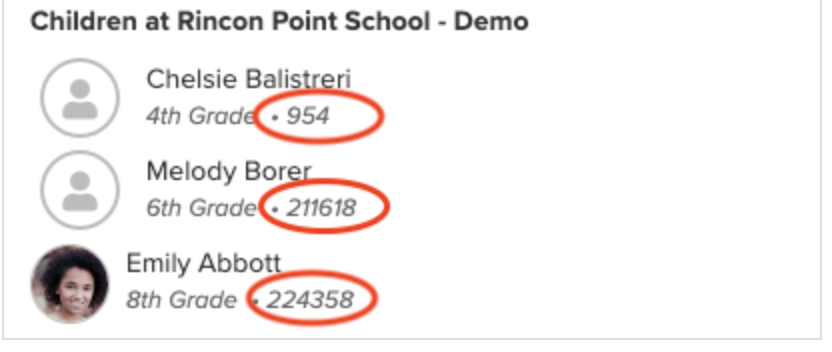
2. The student ID will appear under your child's name, to the right of their grade level.
Here is a screenshot:
From the ParentSquare Mobile App:
1. Tap the menu icon (triple bars) in top left corner.
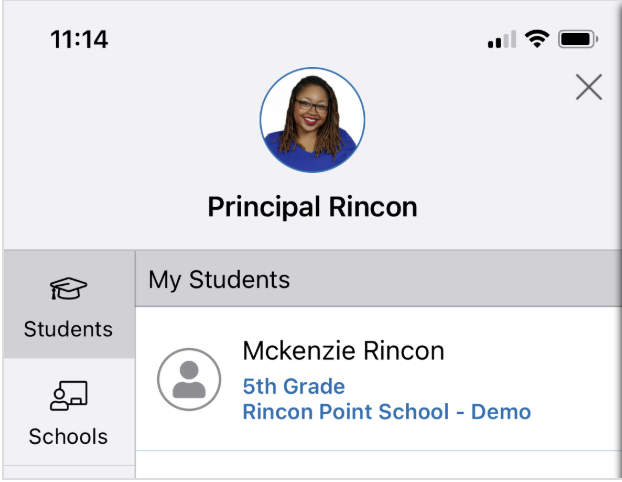
2. Tap Students in left sidebar, then tap student's name.
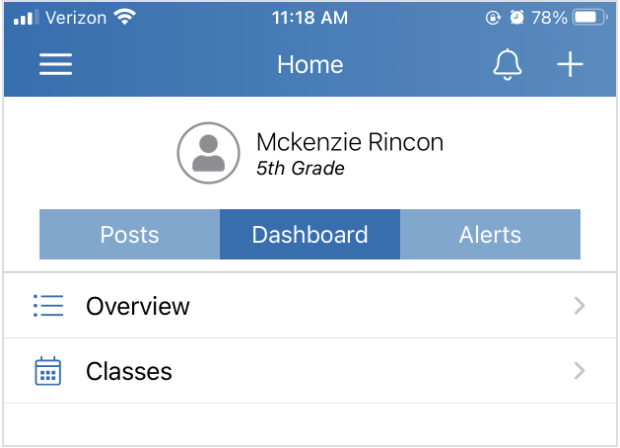
3. Tap Dashboard, then Overview.
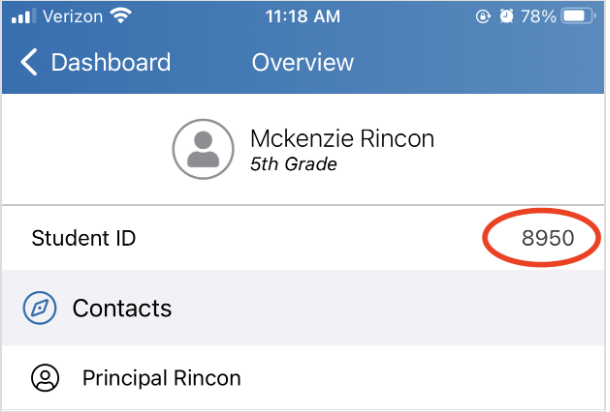
4. Student ID will appear under your child's name
Questions?
If you have any questions about using the app, please reach out to STA directly at 585-250-4034.